
Remote Disk
Requires iPhone or iPad running iOS 18.6 or later.
Your S3 and SFTP, inside the iOS Files app.
Remote Disk mounts S3-compatible buckets and SFTP servers as first-class locations on iPhone and iPad — the same way iCloud Drive and Dropbox appear. Files stay in the cloud until you open them.
Designed for the Files app
- Native Files integration
- Built on NSFileProviderReplicatedExtension. Every app that opens a file — Word, PDF editors, video players — can reach your buckets without extra integration.
- On-demand materialization
- Buckets of any size appear instantly. Files only download when you open or pin them, so your device never fills up.
- Cellular-aware transfers
- Per-connection policies for sync, downloads, and size caps. No more surprise data charges when you leave Wi-Fi.
- Two-way sync with conflict safety
- ETag-based detection with four strategies — server wins, local wins, keep both, or resolve manually. Edits never silently overwrite each other.
- Multi-connection, multi-provider
- AWS S3, Cloudflare R2, MinIO, Backblaze B2, DigitalOcean Spaces, custom endpoints — plus SFTP with password or key auth. Switch between them in one tap.
- Resume-safe uploads
- Multipart uploads checkpoint to disk and pick back up after an app restart or network blip.
Screenshots
-
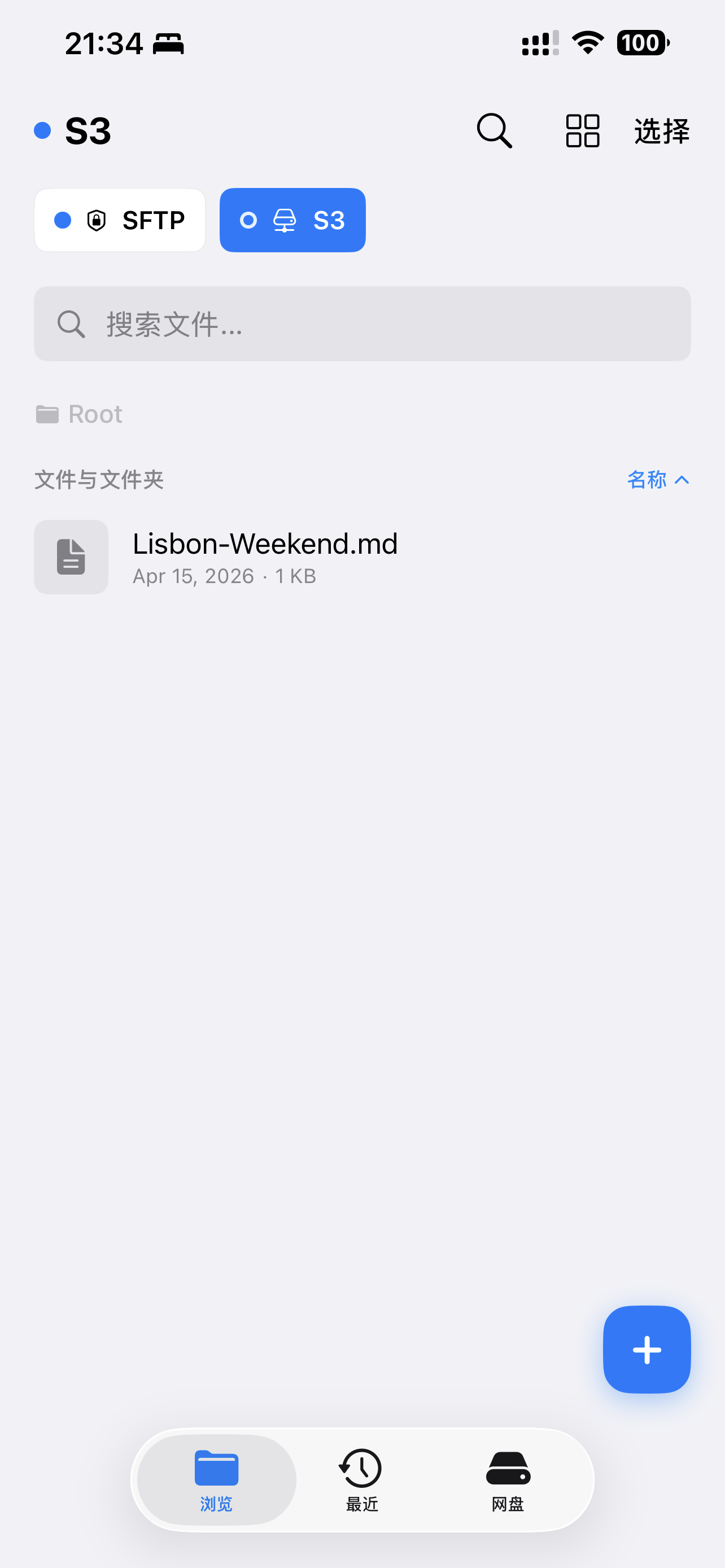
Browse an S3 bucket -
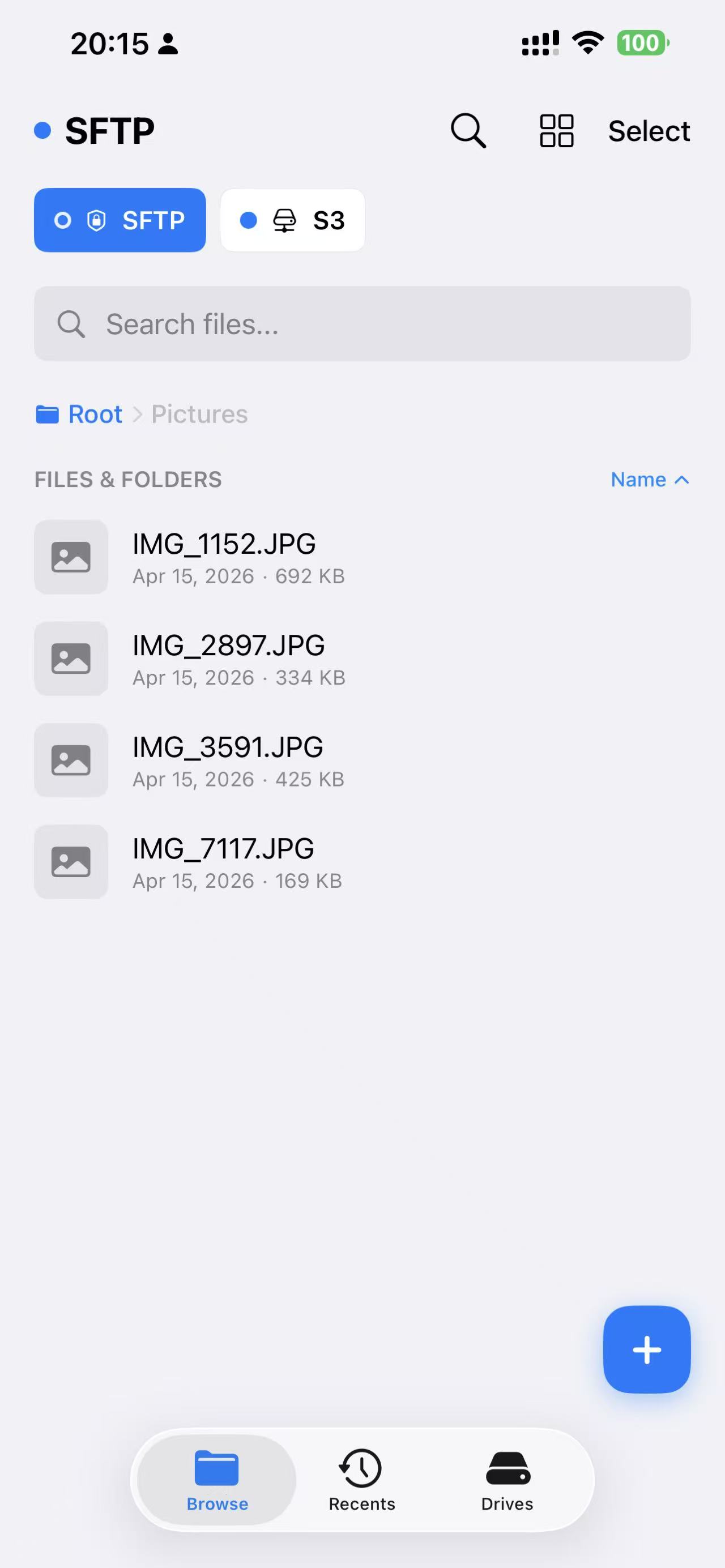
Browse over SFTP -
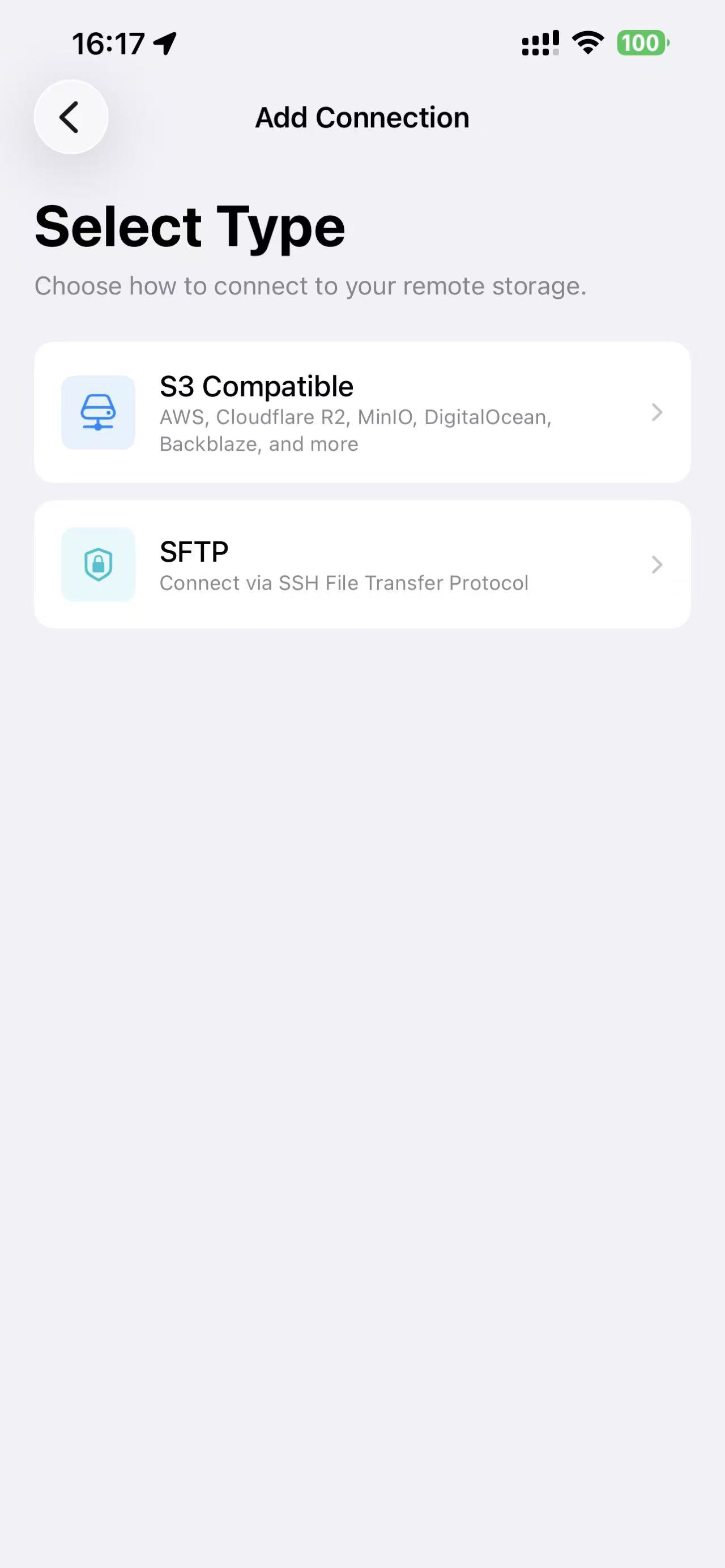
Add a new connection -
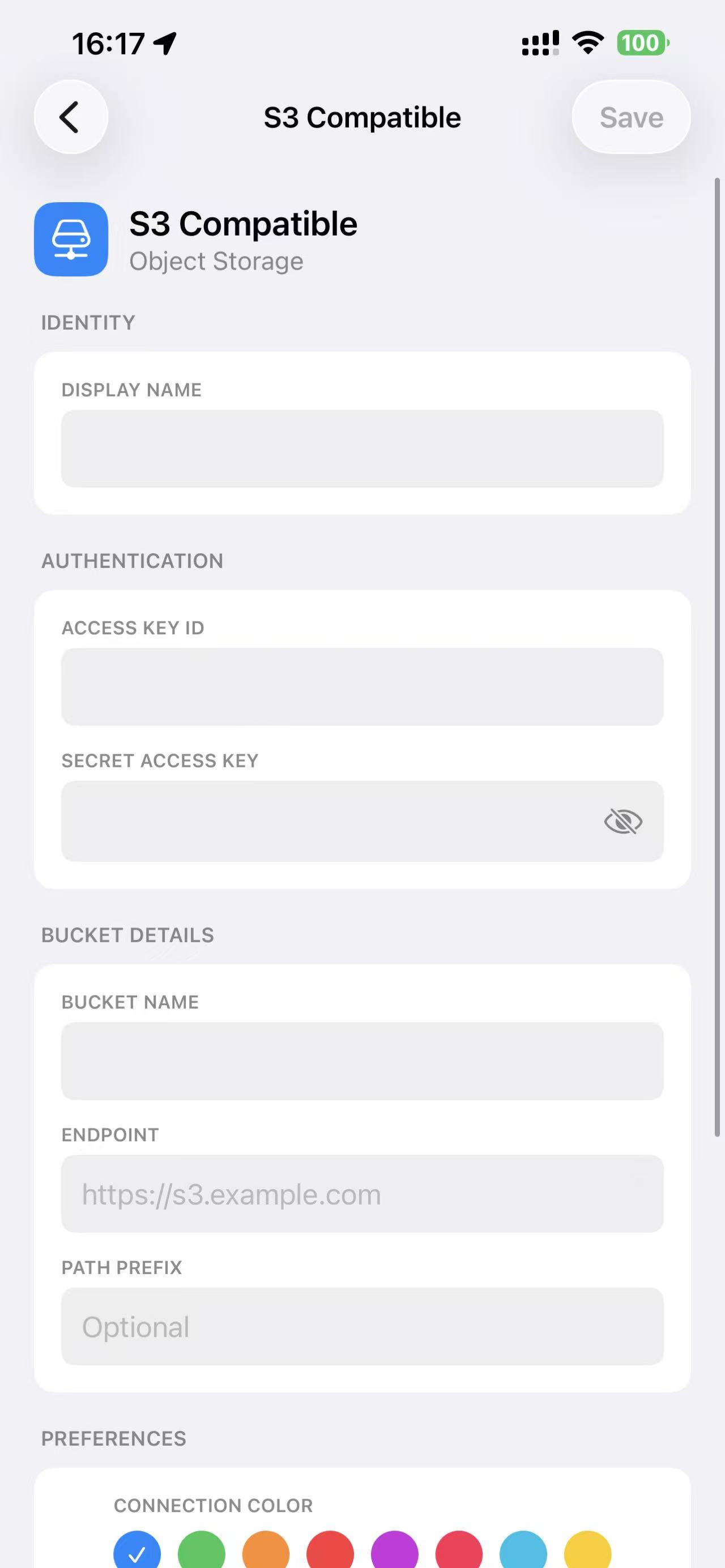
Configure provider and credentials -
Preview files in place
Under the hood
Written in Swift and SwiftUI for iOS 18.6+. Credentials live in the iOS Keychain. No account. No server. Your data goes directly between the device and your storage.
Questions?
Email: contact@eof.io